If you run a local business in California, there’s a good chance you’ve logged into your Google Business Profile at some point, noticed the option to create a post, and paused.
Maybe you tried it once. Maybe twice. You wrote something simple, added a photo, hit publish, and waited.
But then… nothing obvious happened. No sudden spike in calls. No noticeable ranking boost. No alert from Google saying, “Nice job, this worked.”
At this point, it’s only natural to wonder: Do Google Posts actually help, or are they just another task on your to-do list?
This isn’t a theoretical question for California business owners. Competition here is fierce more so than in many other regions.
Whether you’re a plumber in Los Angeles, an auto repair shop in San Jose, a cleaning company in Orange County,
or a contractor working across the Inland Empire, your Google Business Profile is often the first real point of contact.
People don’t browse casually. They compare. They decide quickly.
Why This Question Matters More in California Markets
In many California markets, the difference between getting a call and being skipped comes down to seconds.
Someone searches. They scan three or four listings. They click one profile. They decide before they ever visit a website.
That means anything you do inside your Google Business Profile has to earn its place.
Time is limited.
Attention is limited.
Effort has to make sense.
This article is written from that perspective. Not theory. Not recycled “best practices.”
Just a clear explanation of where Google Posts actually fit, when they help, when they don’t, and why so many business owners feel confused about them.
What Google Posts Actually Are (And What Google Says About Them)
Google Posts are short updates you publish directly inside your Google Business Profile.
They appear when someone views your business on Google Search or Google Maps. You can share offers, updates, events, or announcements.
Google describes Posts as a way to share timely updates with customers directly on your profile, which aligns with how the feature is explained in Google’s own support documentation.
That explanation is accurate. But it’s incomplete.
The One Distinction That Clears Up Most Confusion
Here’s the part most guides never say clearly.
Google Posts are not designed to bring new people to your profile. They are designed to influence people who are already there.
That single distinction explains almost all frustration around Posts.
When someone searches for “brake repair near me” in San Diego or “emergency plumber Fresno,” Google decides which profiles to show based on proximity, relevance, categories, and reviews.
Posts do not override those signals.
They don’t replace reviews.
They don’t fix poor categories.
They don’t beat distance.
But once someone clicks your profile, the goal changes. Now it’s about trust, clarity, and momentum.
That’s where Posts start to matter.
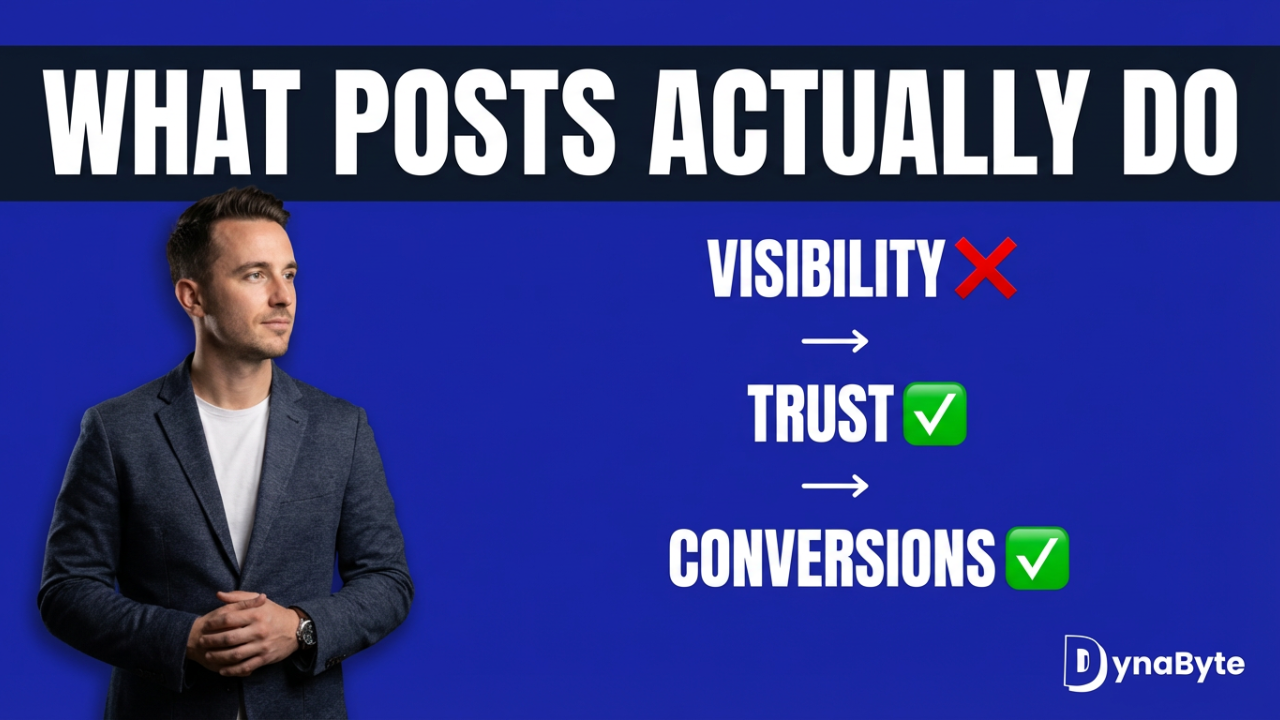
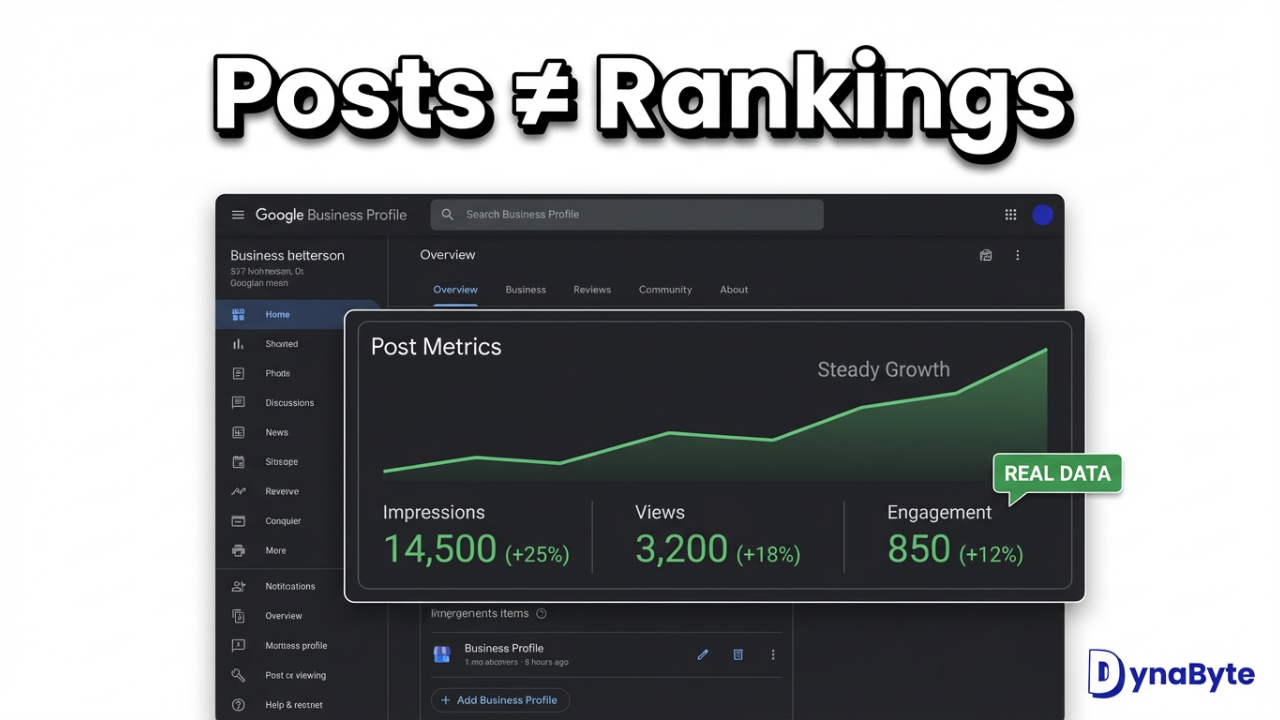
Google Posts Do Not Drive Rankings
Posts are not a primary ranking factor. This is why platforms like BrightLocal consistently describe Google Posts as a supporting activity, not a ranking lever.
Their research frames Posts as something that helps with engagement and conversions, not discovery.
Posts support. They don’t lead.
How Real Customers Actually Use Your Profile
People don’t read profiles carefully. They skim. They scroll photos. They glance at reviews. They check hours. They look for signs of life.
A profile with no recent activity doesn’t scream “closed.” But it quietly suggests neglect.
In California, where businesses turn over fast, that subtle signal matters more than people realize.
Posts don’t shout. They whisper. And whispers still influence decisions.
Why Google Posts Feel Ineffective (Even When They’re Working)
California markets rarely give clean cause-and-effect feedback.
You post something and, at the same time:
A competitor gets new reviews.
Weather shifts demand.
Ads enter the market.
Seasonality kicks in.
Google tests layouts.
So you don’t see a spike. That doesn’t mean nothing happened. It means influence accumulated quietly.
Where Google Posts Actually Help
Google Posts help with conversion confidence, not rankings.
They live in the same mental space as:
Recent photos.
Updated reviews.
Clear services.
Accurate hours.
Examples that work in California:
Same-day AC service during heat waves.
Brake inspections before holiday travel.
Gutter cleaning before winter rain.
HVAC services during wildfire season.
These aren’t SEO tricks. They’re relevance cues.
Where Google Posts Don’t Help
Posts will not fix:
Wrong primary categories.
Weak or outdated reviews.
Low-quality photos.
Incorrect service areas.
Misaligned websites.
In competitive California markets, fundamentals decide who shows up.
Why Most Google Posts Fail
Most posts fail because they say nothing.
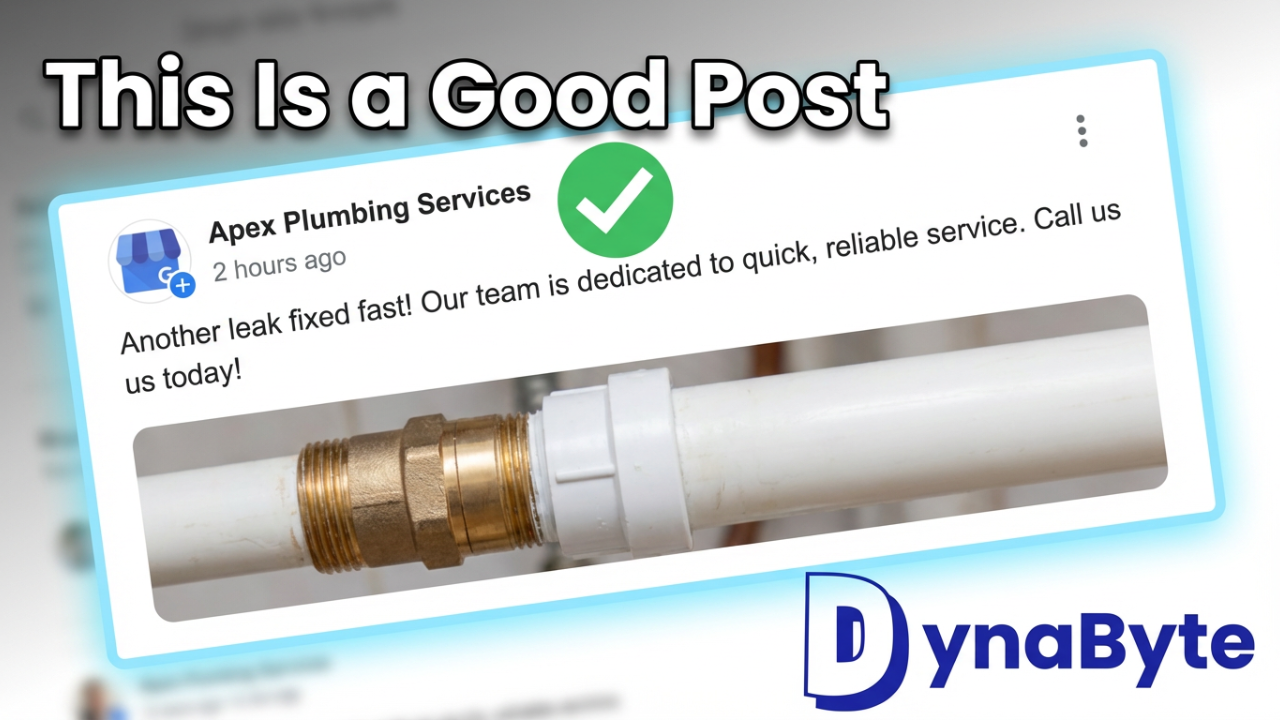
“We offer great service.” “We are the best.” “Contact us today.”
That’s filler.
A good post answers one quiet question:
Are you available soon?
Do you serve my area?
Do you handle my problem?
Are you active right now?
How Often You Should Post
Daily posting rarely helps. Posting once every few months rarely helps.
For most California service businesses:
Once per week is enough.
Twice per week during peak seasons can help.
Consistency beats intensity.
Automation: Useful or Risky?
Automation helps with scheduling. But fully automated posts feel generic.
They miss local nuance.
They ignore real conditions.
Google doesn’t penalize automation. Customers do.
So, Are Google Posts Worth It?
They won’t fix a poorly optimized profile. They won’t replace the power of customer reviews.
They won’t help you outrank competitors with stronger SEO.
But here’s the thing , Google Posts play a quiet but important role. They build trust. They reduce hesitation.
They help the right customers feel more comfortable choosing your business over others.
In a competitive market, these small, consistent updates can make a difference in your customer’s decision-making process.
They show you’re active, engaged, and committed to keeping your audience informed.
If you’re unsure whether your Google Business Profile is really working for you, it might be time for a closer look.
So, Get in touch with us we’ll help you ensure it’s driving the visibility and trust your business needs.